


Opening Our Data
Keep Track can help power your own projects, research, and education. The V4 API is free for private and non-commercial use. Grab a free API key and make your first request in minutes.
Features
Endless Possibilities
Now the same data that powers Keep Track can be used to power your own projects.
RESTful V4 API
A simple, documented REST API serves the same catalog data used inside Keep Track. Look up satellites, TLEs, orbital elements, and positions with a single request.
Expansive Database
Over 63,000 satellites and debris objects. We combine TLEs from multiple sources with detailed satellite descriptions to provide accurate, well-labeled data.
Works with OOTK
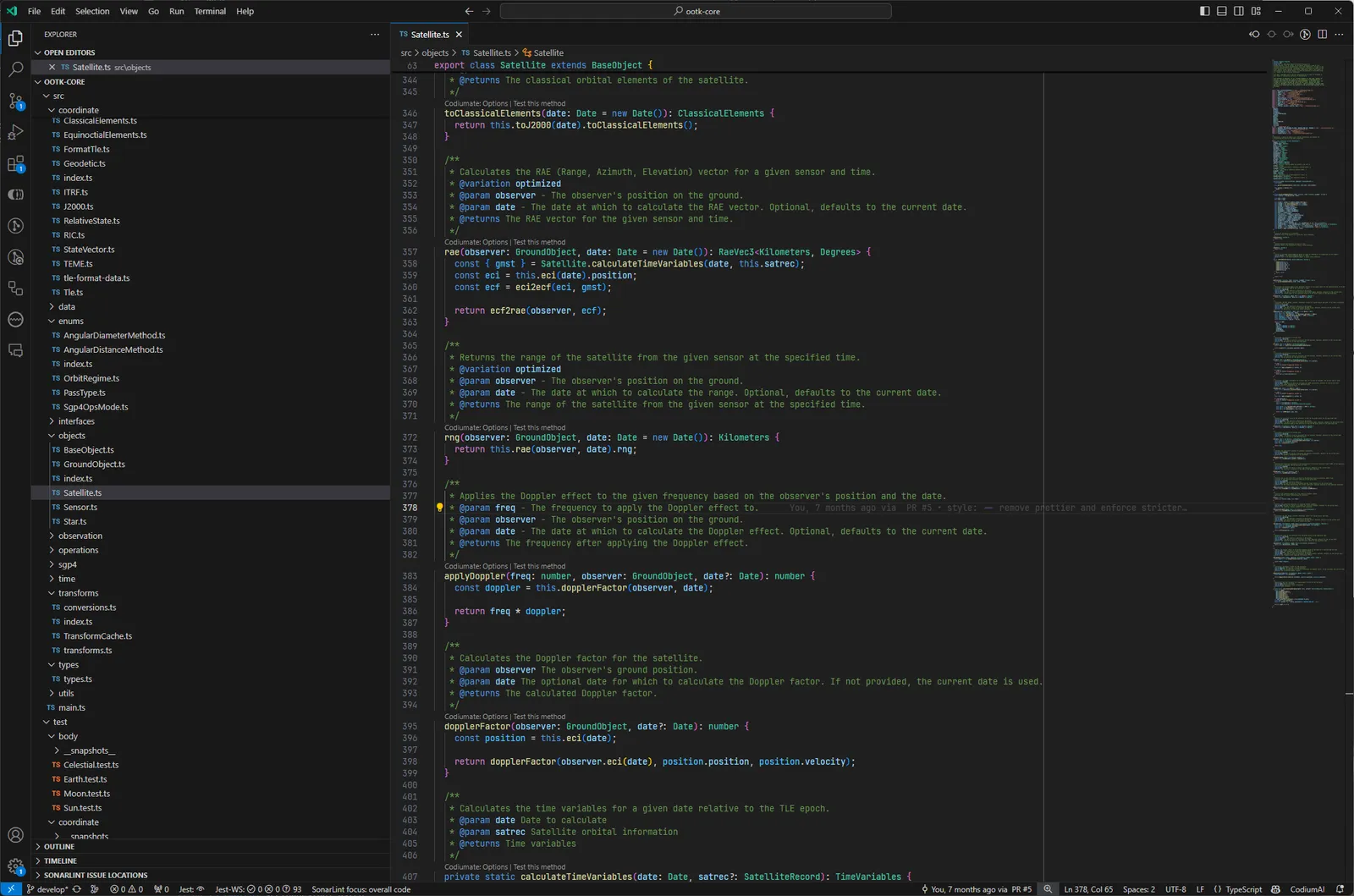
Use the Orbital Object Toolkit to calculate orbits, positions, and passes. This is the same library that powers Keep Track.
Free to Start
Create a free account, copy your API key, and start building. Free for private, research, and educational use under CC BY-NC 4.0.
Get Your Free API Key
Every request needs an API key. Creating one is free and takes about a minute.
Create a Free Account
Sign up at keeptrack.space. No credit card required. The same account works across the app and the API.
Copy Your API Key
Open the user menu in the app and click "API Key" to copy your personal key.
Send It With Every Request
Pass your key in the "X-API-Key" header, or add "?apiKey=YOUR_KEY" to the URL. That is all the setup you need.
Start Building
Standard keys allow 500 requests per hour and 5,000 per day. That is plenty: the whole catalog comes down in one request, and OOTK handles the math locally. Try the demo below right now.
// Normally you would install OOTK via npm and import it like this:
// import { Satellite } from 'ootk';

// We've already included OOTK on this page, so you can use it in the browser like this:
var Satellite = window.ootk.Satellite;

// Public demo key. Get your own free key at https://keeptrack.space (user menu > API Key).
var apiKey = 'kt_demo_00000000000000000000000000';

fetch('https://api.keeptrack.space/v4/sats/25544', {
  headers: { 'X-API-Key': apiKey },
})
  .then((res) => res.json())
  .then(([data]) => {
    // /v4/sats/:id returns an array, so we grab the first result.
    const sat = new Satellite({ name: data.NAME, tle1: data.TLE_LINE_1, tle2: data.TLE_LINE_2 });

    console.log(sat.lla());  // Position in latitude, longitude, altitude
    console.log(sat.eci());  // Position and velocity in Earth-centered inertial coordinates
    console.log(sat.ecef()); // Position in Earth-centered, Earth-fixed coordinates
  })
  .catch((err) => console.error(err));
Orbital Data Formats
TLEs, GP, and the Move to OMM
The classic Two-Line Element set packs an orbit into two fixed-width lines, but that format is running out of room. Its catalog number field holds only five characters, so it cannot represent the new nine-digit NORAD IDs now entering the catalog, and the Alpha-5 stopgap only reaches 339,999. We store General Perturbations (GP) mean elements natively and serve them as CCSDS OMM, a structured record with named fields. Every object has an OMM record. Only objects that still fit the old encoding also have a TLE.
Ask for a TLE
GET /v4/sat/:id/tle returns the two classic lines. If the object’s ID is too large for the format, you get a 404 with code NO_TLE that points you to its OMM record instead.
Ask for OMM
GET /v4/sat/:id/omm, or add ?format=omm to a lookup, returns the orbital elements as named JSON fields. It works for every object, including extended nine-digit IDs that have no TLE at all.
OOTK Reads Both
Build a satellite with new Satellite({ tle1, tle2 }) or with Satellite.fromOmm(omm). Either way you get the same object and the same position methods.
var Satellite = window.ootk.Satellite;
var apiKey = 'kt_demo_00000000000000000000000000';

fetch('https://api.keeptrack.space/v4/sat/25544/omm', {
  headers: { 'X-API-Key': apiKey },
})
  .then((res) => res.json())
  .then((omm) => {
    // OMM fields map straight into OOTK, no fixed-width parsing required.
    const sat = Satellite.fromOmm(omm);

    console.log(sat.lla());  // Position in latitude, longitude, altitude
    console.log(sat.name);   // OBJECT_NAME from the OMM record
  })
  .catch((err) => console.error(err));
How It Works with OOTK
OOTK runs the same SGP4 propagator the API uses, right in your project. Fetch the elements once, then compute as much as you want offline.
Import OOTK
Install the Orbital Object Toolkit (OOTK) into your project from npm.
Get Satellite Data
Call the Keep Track API with your key to get the latest TLEs for a satellite.
Create a Satellite Object
Pass the TLEs into a Satellite object in OOTK.
Calculate Position
Get latitude, longitude, and altitude, or full state vectors, with a single command.
That's It!
That is all it takes to fetch satellite data and work with it. Read the orbital elements below.
var Satellite = window.ootk.Satellite;
var apiKey = 'kt_demo_00000000000000000000000000';

fetch('https://api.keeptrack.space/v4/sats/5', {
  headers: { 'X-API-Key': apiKey },
})
  .then((res) => res.json())
  .then(([data]) => {
    const sat = new Satellite({ name: data.NAME, tle1: data.TLE_LINE_1, tle2: data.TLE_LINE_2 });

    console.group('Satellite Details');
    console.log('International Designator: ' + sat.intlDes); // International Designator
    console.log('Epoch Year: ' + sat.epochYear); // Epoch Year
    console.log('Epoch Day: ' + sat.epochDay); // Epoch Day
    console.log('Bstar (Drag Coefficient): ' + sat.bstar); // Bstar (Drag Coefficient)
    console.log('Inclination (degrees): ' + sat.inclination); // inclination in degrees
    console.log('Right Ascension (degrees): ' + sat.rightAscension); // right ascension of the ascending node in degrees
    console.log('Eccentricity: ' + sat.eccentricity); // eccentricity
    console.log('Argument of Perigee (degrees): ' + sat.argOfPerigee); // argument of perigee in degrees
    console.log('Mean Anomaly (degrees): ' + sat.meanAnomaly); // mean anomaly in degrees
    console.log('Mean Motion (revolutions per day): ' + sat.meanMotion); // mean motion in revolutions per day
    console.log('Period (minutes): ' + sat.period); // period in minutes
    console.log('Apogee (kilometers): ' + sat.apogee); // apogee in kilometers
    console.log('Perigee (kilometers): ' + sat.perigee); // perigee in kilometers
    console.groupEnd();
  })
  .catch((err) => console.error(err));
Working at Scale
One Call, Whole Catalog
The intended usage pattern is simple: pull the catalog in bulk once per hour, then let OOTK do unlimited math locally. Standard keys allow 500 requests per hour and 5,000 per day, which is far more than this pattern ever needs.
Fetch Everything at Once
GET /v4/sats/brief returns the TLE, name, type, purpose, country, launch date, and more for every active object in one lightweight response. The data refreshes at most hourly, so there is no reason to call it more often.
Poll Politely with ETags
The response carries ETag and Last-Modified headers. Send the ETag back as If-None-Match to get a free 304 when nothing changed, or check /v4/sats/brief/last-update to see freshness without pulling the payload.
Never Loop Per-Satellite Endpoints
The /v4/sat/:id endpoints are for individual lookups only. Walking them across many IDs is treated as scraping and results in a permanent ban. If you legitimately need detailed metadata for a large set of satellites, email admin@keeptrack.space instead.
var Satellite = window.ootk.Satellite;
var GroundStation = window.ootk.GroundStation;
var apiKey = 'kt_demo_00000000000000000000000000';

// Your location: latitude and longitude in degrees, altitude in kilometers.
var observer = new GroundStation({ lat: 40.0, lon: -75.0, alt: 0.1 });

// ONE request fetches every active object in the catalog (tens of thousands).
fetch('https://api.keeptrack.space/v4/sats/brief', {
  headers: { 'X-API-Key': apiKey },
})
  .then((res) => res.json())
  .then((catalog) => {
    const now = new Date();
    const overhead = [];

    // type 1 = payload. Skip rocket bodies and debris to keep the demo fast.
    for (const entry of catalog.filter((e) => e.type === 1)) {
      try {
        const sat = new Satellite({ name: entry.name, tle1: entry.tle1, tle2: entry.tle2 });
        const rae = sat.rae(observer, now); // range, azimuth, elevation from your location

        if (rae && rae.el > 10) {
          overhead.push({
            name: entry.name || 'UNKNOWN',
            country: entry.country || '?',
            elevationDeg: Number(rae.el.toFixed(1)),
            azimuthDeg: Number(rae.az.toFixed(1)),
            rangeKm: Math.round(rae.rng),
          });
        }
      } catch (e) {
        // Skip objects whose elements will not propagate (e.g. recently decayed).
      }
    }

    overhead.sort((a, b) => b.elevationDeg - a.elevationDeg);
    console.log(overhead.length + ' payloads above 10 degrees elevation right now:');
    console.table(overhead.slice(0, 25));

    // Recompute for any time you like: sat.rae(observer, futureDate).
    // All of this math runs locally in OOTK. No more API calls needed.
  })
  .catch((err) => console.error(err));
Read the Full Documentation
The V4 API reference lists every endpoint, and the Orbital Object Toolkit docs cover the math so you can focus on your results.